Inspection Trends: Digital Surface Finishing Checks
Digital inspection changes how buyers verify finish inspection results. It shifts focus from spot checks to continuous data. Buyers should prepare by updating specifications, training staff, and aligning with suppliers on data formats.
- Finish inspection is moving from manual spot checks to data-driven digital inspection.
- Buyers should update specifications to define data formats and acceptance criteria for digital inspection.
- Training staff on digital inspection tools prevents data errors and misinterpretation.
- Aligning with suppliers on data formats reduces disputes and speeds up acceptance.
- Surface finish quality improves when digital inspection feeds directly into process control.
How digital inspection changes finish inspection
Finish inspection used to rely on a magnifier, a micrometer, and a trained eye. A technician walked the line, checked a sample, and signed off a lot. That method still works for many jobs. It also creates blind spots.
Digital inspection changes the workflow. It captures data at the source. Sensors, cameras, and handheld probes record measurements continuously. The data goes to a dashboard. An engineer sees trends, not just pass or fail. This shift changes what buyers ask of suppliers.
The change is not only about speed. It changes accountability. When a coating thickness reading is tied to a timestamp and a part serial number, the record is harder to dispute. It also makes it easier to trace a defect back to a specific process step.
For buyers, the practical effect is clearer. You can request raw data, not just a certificate of analysis. You can set acceptance limits in the specification that match the data format. You can review trends across multiple lots before a customer complaint appears.
What buyers should expect from digital inspection tools
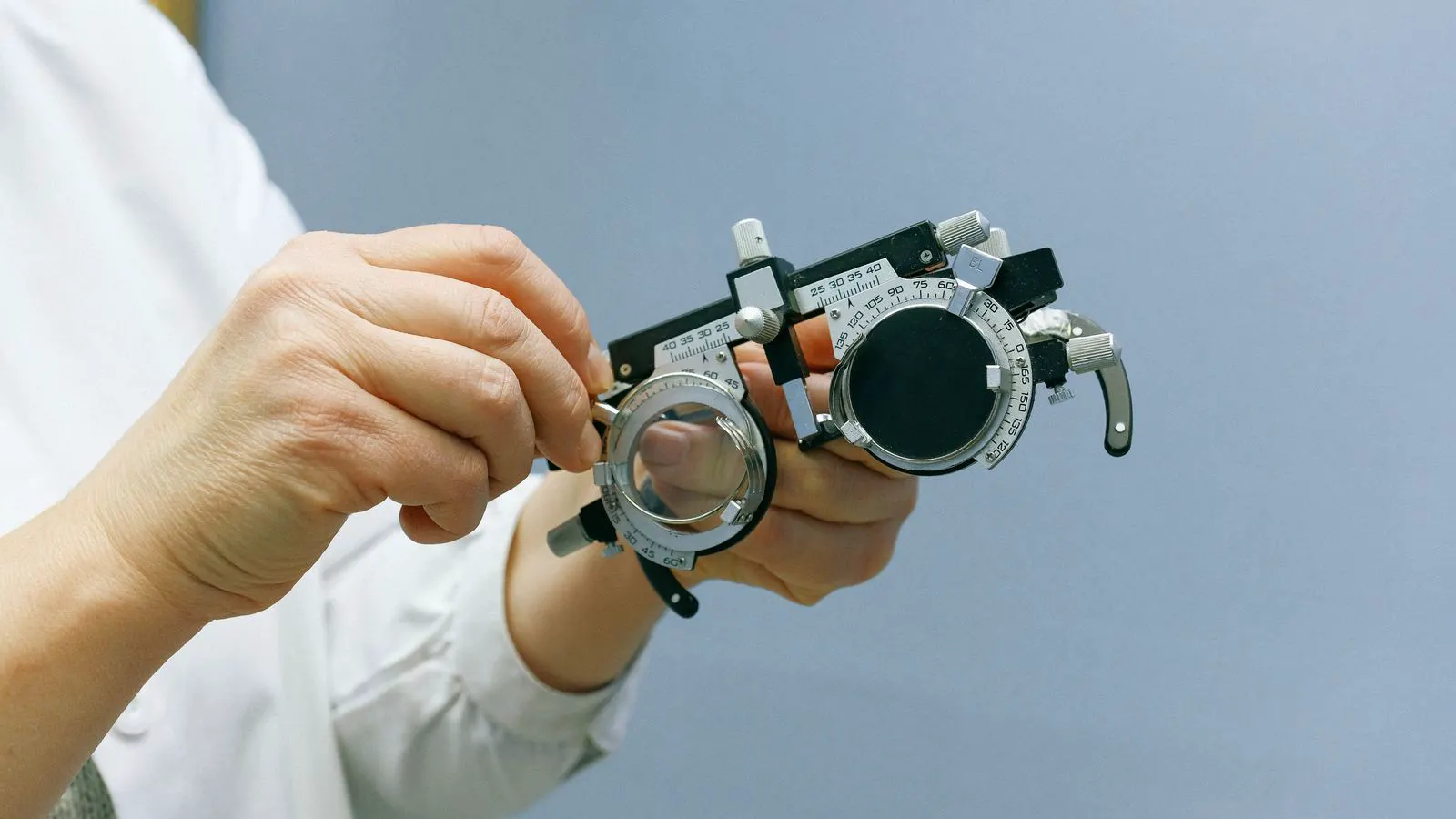
Digital inspection includes several tool types. The choice depends on the coating type and the part geometry.
| Tool type | Typical use | Key benefit |
|---|---|---|
| Thickness gauges | Coating thickness verification | Fast, non-destructive reading |
| Optical profilometers | Surface roughness mapping | Captures texture and defects |
| Adhesion testers | Peel or cross-cut checks | Quantifies bond strength |
| Colorimeters | Color and gloss matching | Reduces subjective judgment |
| XRF analyzers | Elemental composition checks | Verifies alloy or plating content |
Each tool produces a different data set. A thickness gauge gives a single number. An optical profilometer gives a three-dimensional map. A colorimeter gives a set of values that can be compared to a standard.
Buyers should understand which tool the supplier uses. A supplier may pass a coating by thickness but fail on adhesion. A part may look uniform but have a roughness profile that causes noise in an assembly. The specification must name the tool or the method.
For example, a plating lot may pass a thickness check at 2.0 micrometers. If the adhesion test shows a peel failure below a set limit, the lot fails. The digital record shows both readings. The buyer can see the failure before the part ships.
How to specify digital inspection in your purchase orders
The purchase order is where the digital inspection requirement becomes real. A generic line that says “inspect per standard” is too vague. It leaves room for interpretation.
Start by defining the data format. Ask for CSV files, PDF reports, or API access. If you use a quality management system, ask if the supplier can export data in a format your system can ingest. This reduces manual entry and human error.
Next, define the sampling plan. Digital tools can inspect more parts than manual methods. You can request 100 percent inspection for critical dimensions. For non-critical dimensions, a statistical sample may be enough. The specification should state the sample size and the acceptance limit.
Finally, define the response time. If a digital inspection detects a defect, how quickly does the supplier notify you? A short response time prevents bad parts from moving to the next process. For critical assemblies, a same-day notification may be required.
A clear specification protects both parties. The supplier knows what to deliver. You know what to verify. Disputes drop when the data is clear and the criteria are written down.
Training staff on digital inspection data
New data creates new skills. Your team may be comfortable with a paper certificate. They may struggle with a dashboard that shows a trend line and a confidence interval.
Train your staff on the basics. What does a thickness map show? How do you read a roughness profile? What does a color difference value mean? A short training session with the supplier’s quality engineer helps. It clarifies the terms and shows how the data is generated.
Also train your staff on exceptions. What happens when the data shows a trend toward a limit? What is the action? A written procedure prevents guesswork. It also creates an audit trail.
For buyers, this training is a low-cost, high-value step. It reduces the risk of misinterpreting a pass. It also improves internal communication. When your team understands the data, you can make better decisions about supplier changes and process adjustments.
How to align with suppliers on data formats
Suppliers may have different systems. One may use a legacy software package. Another may use a modern cloud platform. The data formats will differ.
Ask for a data dictionary. It explains the fields, units, and file structure. It also shows where the data comes from. A data dictionary prevents surprises. It tells you if a thickness value is in micrometers or inches. It tells you if a color value is in L, a, b or in a proprietary scale.
Agree on a standard exchange format. If you work with multiple suppliers, ask them to export data in a common format. This makes comparison easier. You can benchmark one supplier’s process against another.
If a supplier resists data sharing, ask why. There may be a valid reason, such as proprietary software. In that case, agree on a manual handoff with a defined frequency. The key is to have a plan.
Five shifts buyers should plan for
The move to digital inspection is not a single event. It is a series of changes. Buyers should plan for these shifts.
- From spot checks to continuous data. The supplier captures data at each process step. You review trends, not just final results.
- From paper certificates to digital records. The certificate is a PDF or an API response. It includes raw data and timestamps.
- From subjective judgment to objective metrics. Color and gloss are measured, not estimated. Adhesion is quantified, not guessed.
- From annual reviews to real-time monitoring. You see a problem as it happens. You do not wait for a customer complaint.
- From isolated suppliers to integrated data streams. Your quality system connects to the supplier’s system. Data flows automatically.
Each shift requires a change in your process. Update your specification. Train your staff. Adjust your quality system. The result is a tighter control loop.
How to prepare your quality system for digital inspection
Your quality system must handle new data types. If you use a legacy system, it may not accept CSV files or API data. You may need a middleware layer or a simple database to store the data.
Start with a pilot. Pick one supplier and one coating type. Run the digital inspection for a few lots. See how the data looks. See how your team interprets it. See where the gaps are.
Then expand. Add more suppliers. Add more coating types. The pilot helps you avoid costly mistakes. It also gives your team time to learn.
Document the process. Write down how the data is received, stored, and reviewed. Write down the acceptance criteria. Write down the escalation path for failures. A documented process is easier to audit and easier to improve.
Final thoughts
Finish inspection is changing. Digital inspection tools give you more data and better control. The shift is practical. It reduces risk and improves surface finish quality.
The key is preparation. Update your specifications. Train your staff. Align with your suppliers. The result is a clearer picture of your supply chain. You can make better decisions and catch problems early.
Frequently asked questions
What is the most common digital inspection tool for coating thickness?
A thickness gauge is the most common tool. It gives fast, non-destructive readings and is widely used for plating and coating verification.
How does digital inspection improve surface finish quality?
It captures data continuously and ties it to specific parts and processes. This allows you to spot trends and correct defects before they ship.
Can I request raw data from my supplier?
Yes. You should define the data format in your specification. Ask for CSV files, PDF reports, or API access, depending on your system.
What is the difference between a digital inspection report and a paper certificate?
A digital report includes raw data, timestamps, and often a raw file. A paper certificate is a summary. The digital report is more detailed and easier to audit.
How long should it take for a supplier to respond to a digital inspection failure?
It depends on your criticality. For critical assemblies, a same-day response is common. For non-critical parts, a next-business-day response may be acceptable. Define it in your specification.